Give it a name. Give it a plan.
Set a target and a date. See a suggested daily, weekly, or monthly saving pace based on what’s left to reach your goal.
A LITTLE SAVED. A LITTLE CLOSER.
For the rainy-day fund. The new laptop. The thing you’ve been dreaming about. Give your savings a goal—and see every small step add up.
Currently free. Start with your first goal.


Your goals, your pace
Free to use today
Your money stays with you
A PLAN THAT FEELS LIKE YOURS
A clear target, a pace that works for you, and a little encouragement along the way.
Set a target and a date. See a suggested daily, weekly, or monthly saving pace based on what’s left to reach your goal.
Record savings and withdrawals in a few taps. Commas and a live amount-in-words hint help you catch an extra zero before you save.
Follow your saving streak and milestones. Look back at your activity, then share a little win when you feel like it.
A tracker, with you in control.
No bank connection. No money transfers.
MEET SAVINGS GOALS
Clean screens. Clear progress. The little details that make coming back feel easy.
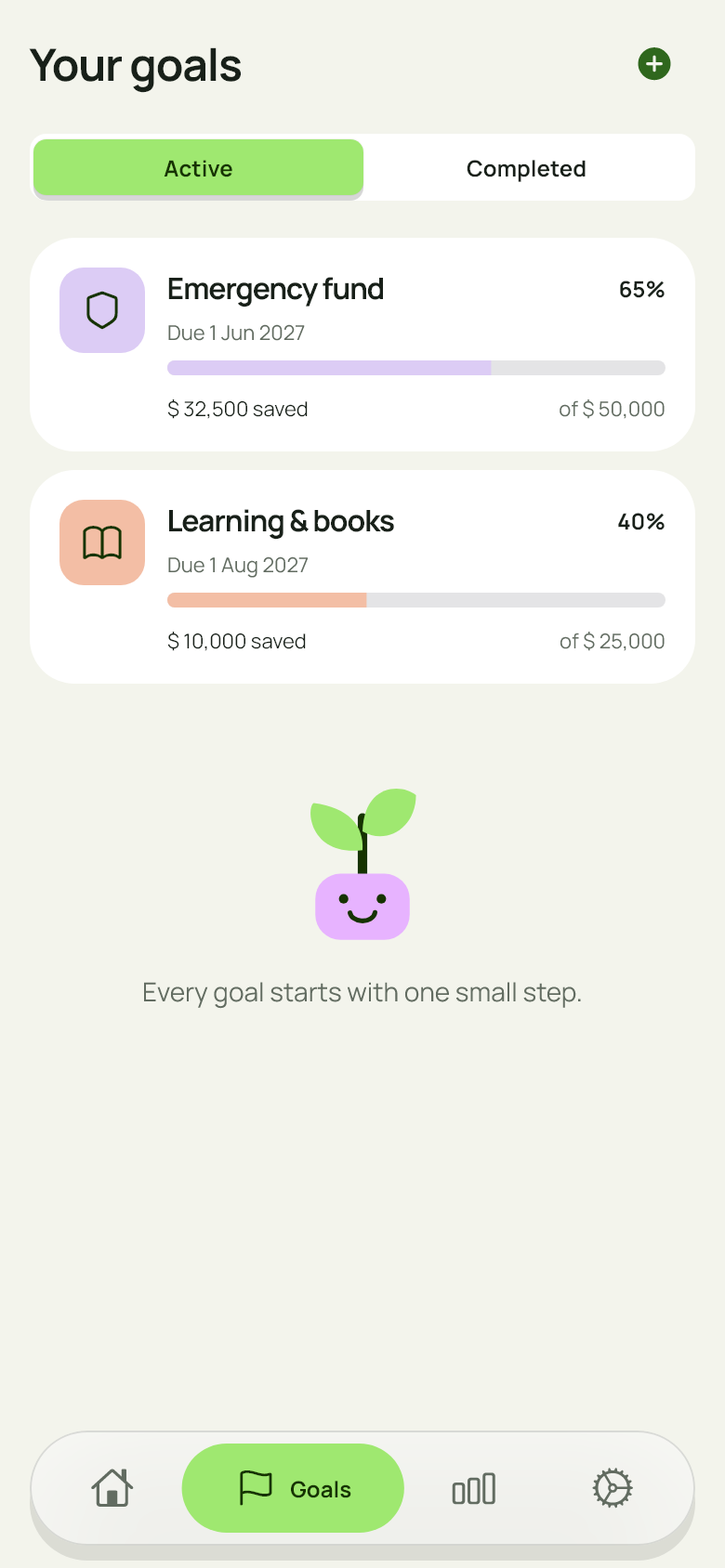
One clear view of what you’re working towards.
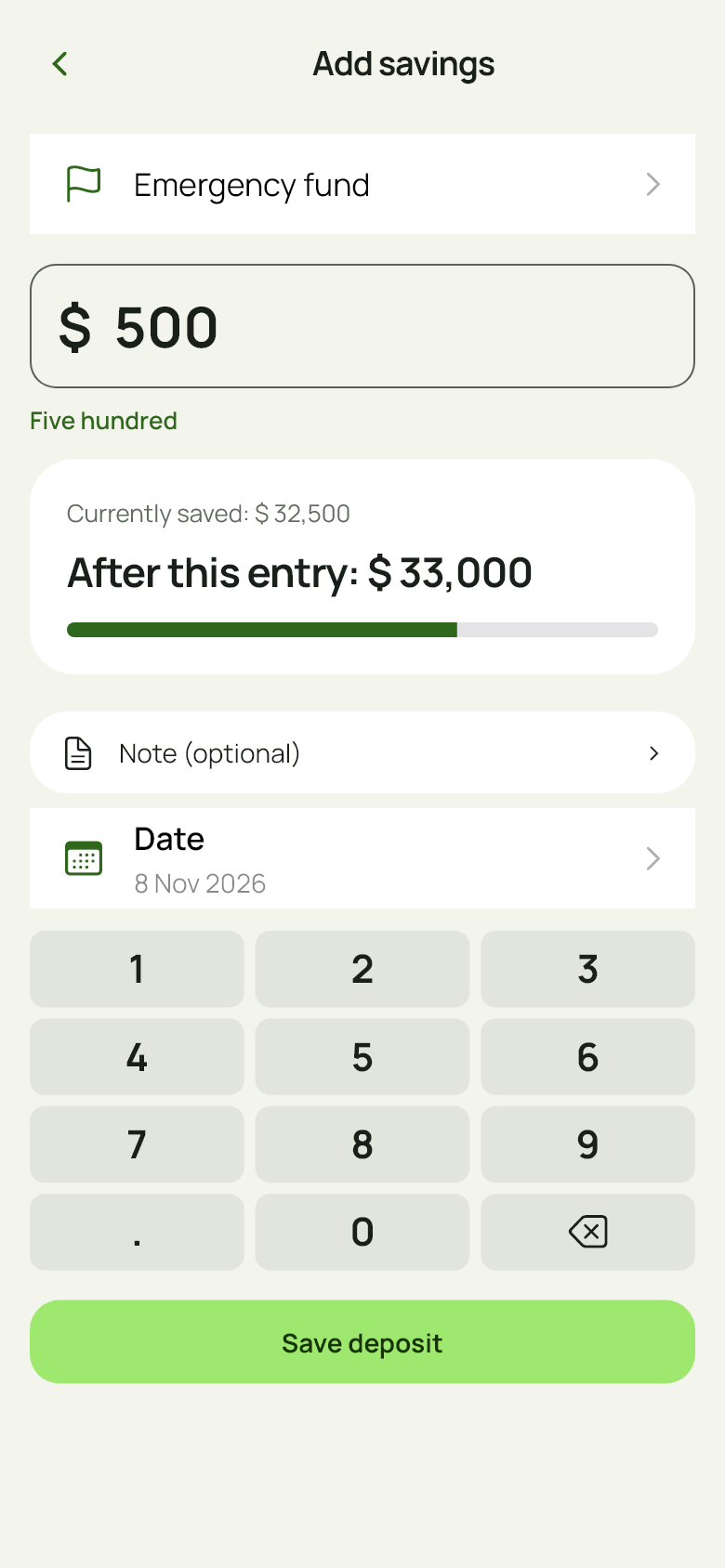
See how a new entry changes your progress.
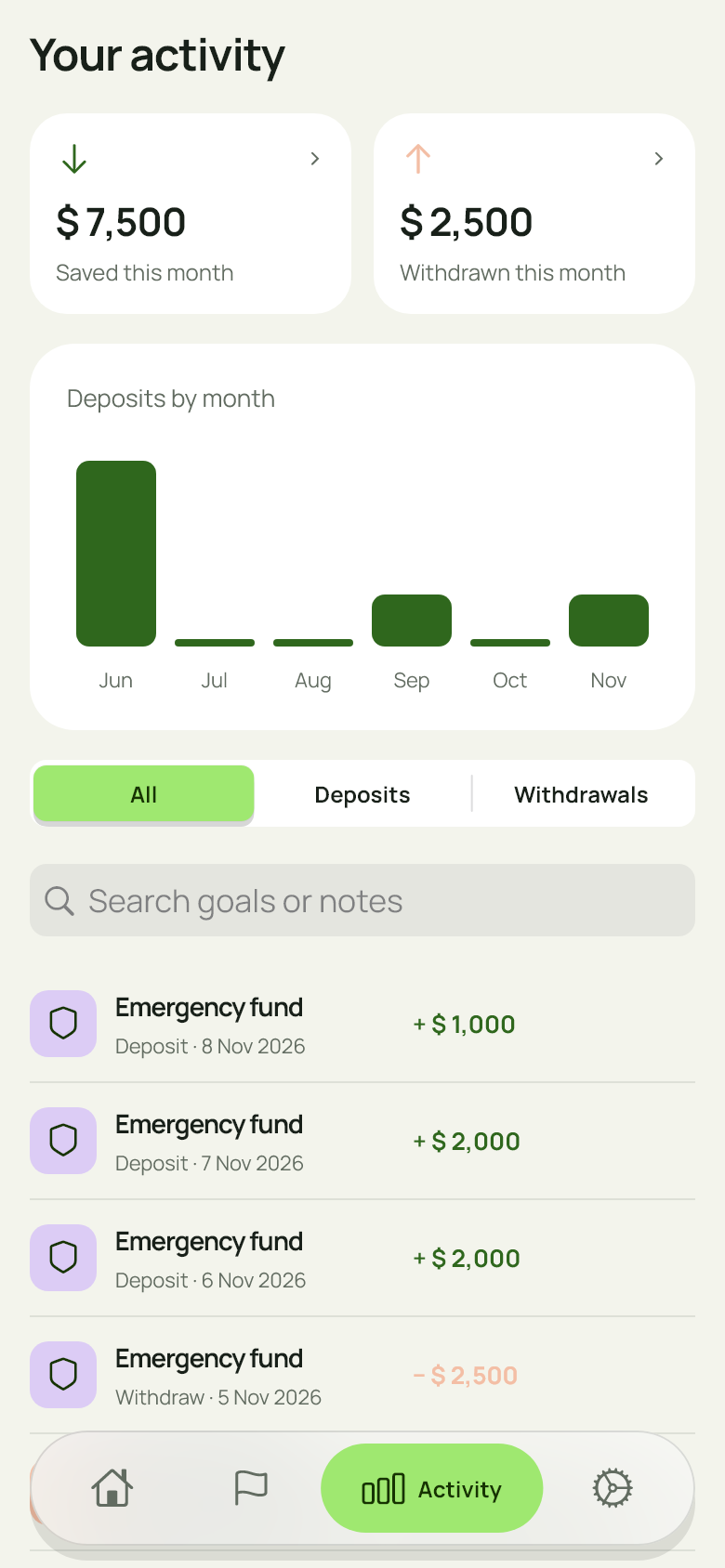
Review your entries and your progress over time.
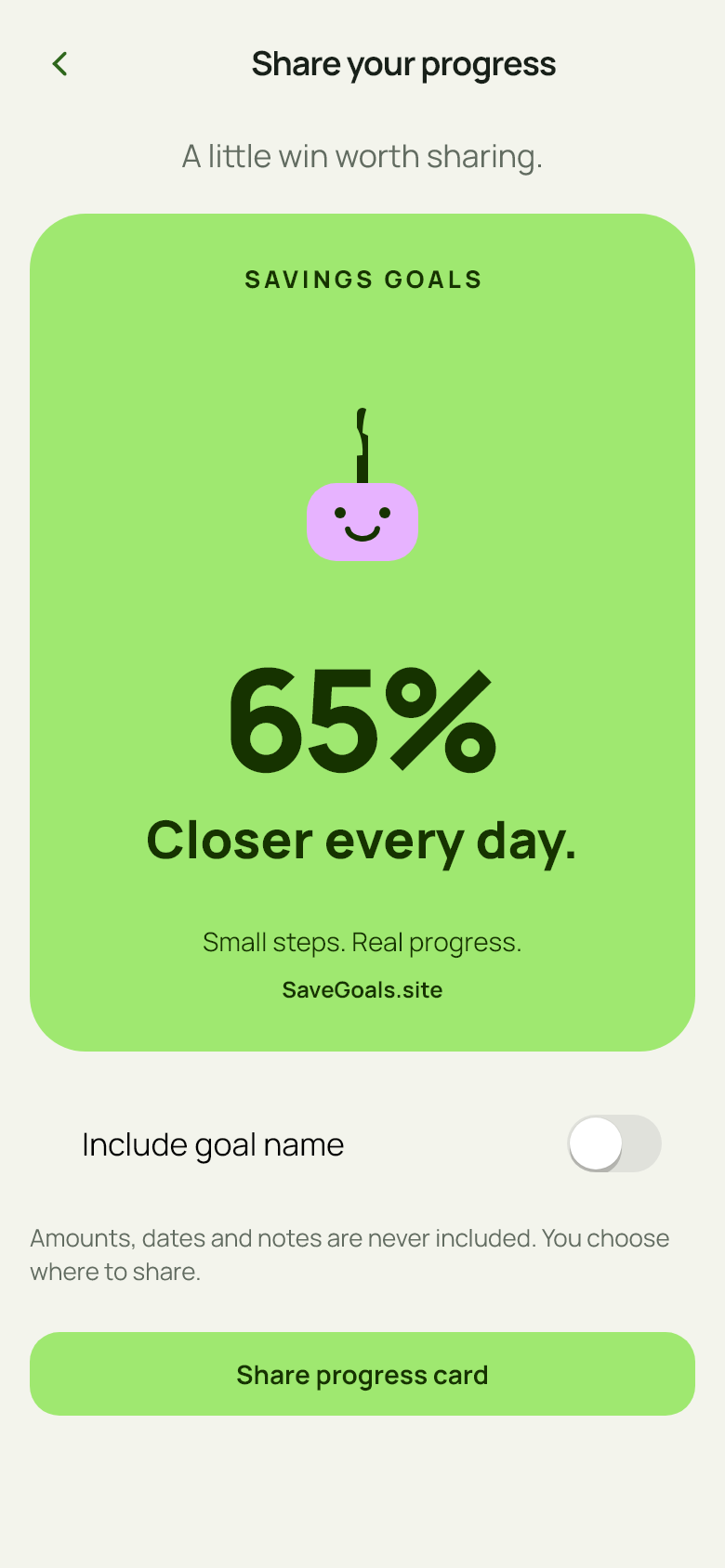
Celebrate progress while keeping amounts private.
Screens captured from the app with illustrative goals and amounts. Tap a screen for a closer look.
Choose Light, Dark, or true Black. The same thoughtful layout, in the look you prefer.
Set an optional daily reminder at a time that suits your routine. You decide when to return.
English or Urdu. USD, GBP, EUR, or PKR. Currency changes the display label, not the amount.
A FEW THINGS, MADE CLEAR
Simple answers, before your first small step.
Savings Goals is currently free to use, with no subscriptions, paid upgrades, or ads in this version. Pricing may change in a future release.
No. Savings Goals is a tracker for the amounts you enter. It doesn’t connect to a bank, hold funds, or make payments. Savings and withdrawal entries are records, not transfers.
On your device. No account or developer-operated cloud sync is required. Your operating system may include app data in device backups, depending on your settings. Read the Privacy Policy for details.
The app creates a progress card and opens your device’s share sheet. Amounts, transaction dates, and notes aren’t included. Your goal name stays hidden unless you choose to include it.
Yes. Open a goal to add savings or record a withdrawal. Use Edit to change its details. Delete Goal is below Save Goal in the edit screen and asks for confirmation.

YOUR GOALS. YOUR PACE.
A little saved today. A little closer tomorrow.
Free to use in the current version.